Cookie Consent Impact: How Much Data Are You Really Losing?

Here is a number that should worry you: most websites lose between 30% and 70% of their analytics data because of cookie consent banners. That is not a typo. In my experience working with European clients over the past few years, the cookie consent impact on data quality has become the single biggest blind spot in web analytics. And yet, most teams barely talk about it.
If you have ever looked at your traffic numbers and thought “something feels off,” this might be the reason. Because when a visitor declines cookies, they essentially become invisible. Your analytics tool never fires. That session, that pageview, that conversion — gone. As a result, your dashboards paint a picture that is incomplete at best and misleading at worst.
So let me walk you through exactly how much data you are probably losing, what the real-world consent rates look like, and — most importantly — what you can actually do about it.
How Cookie Consent Affects Your Analytics Data
Before we dig into the numbers, it helps to understand the mechanics. Under regulations like the GDPR and the ePrivacy Directive, websites must get explicit consent before placing non-essential cookies on a visitor’s device. That includes analytics cookies.

In practice, this means your analytics tracking script only loads after someone clicks “Accept.” If they click “Reject” — or simply close the banner without making a choice — no data is collected. Consequently, those visitors are completely absent from your reports.
This creates several problems at once:
- Traffic underreporting: Your actual visitor count is higher than what your dashboard shows.
- Skewed demographics: Privacy-conscious users (often younger, more technical) are disproportionately filtered out.
- Broken attribution: If a visitor rejects cookies on their first visit but converts later, you lose the entire journey. I have written about this problem in my piece on what direct traffic really means, where misattribution is already a major issue even without consent barriers.
- Conversion rate inflation: Because you are only tracking consenting users, your reported conversion rate appears higher than reality.
Furthermore, the impact compounds over time. If you are doing cohort analysis to track user behavior, missing 40% or more of your users means your cohorts are fundamentally biased from day one.
Consent Rates by Region and Industry
I have seen consent rates vary dramatically depending on where your audience is located and what industry you operate in. The following table summarizes the ranges I have observed across dozens of client projects, along with data from Cookiebot’s consent statistics research.
| Region | Average Consent Rate | Typical Data Loss | Key Factor |
|---|---|---|---|
| Germany / Austria | 35–50% | 50–65% | Strong privacy culture, strict enforcement |
| France | 40–55% | 45–60% | CNIL active enforcement since 2021 |
| Netherlands / Belgium | 45–60% | 40–55% | Moderate privacy awareness |
| United Kingdom | 50–65% | 35–50% | ICO guidance broadly followed |
| Southern Europe | 55–70% | 30–45% | Less strict enforcement historically |
| United States | 70–85% | 15–30% | No federal cookie law (state-level only) |
| Asia-Pacific | 75–90% | 10–25% | Consent fatigue, varied regulations |
Moreover, industry matters just as much as geography. In my experience, B2B SaaS sites tend to see higher consent rates (around 60–75%) because visitors have clear intent and trust the brand. E-commerce sits in the middle at roughly 50–65%. Media and news sites, however, often struggle with consent rates below 45% — partly because of ad-heavy layouts and partly because visitors are less invested in creating an account relationship.

The Real Cookie Consent Impact on Key Metrics
So what does this actually look like in your reports? Let me share some concrete examples from projects I have worked on. These numbers represent a mid-sized European e-commerce site with about 60% consent rate.
With only 60% of visitors being tracked, the cookie consent impact ripples through every single metric:
- Sessions: Reported as 180,000 per month, but server logs showed closer to 310,000 actual visits. That is a 42% gap.
- Bounce rate: Appeared to be 38%, but was actually closer to 52% when accounting for non-consenting visitors who likely bounced quickly.
- Conversion rate: Dashboard showed 3.2%, while the true rate was closer to 1.9%. The difference? Non-consenting visitors were not in the denominator.
- Traffic source distribution: Organic search appeared to drive 45% of traffic. In reality, it was closer to 55%, because organic visitors were more likely to reject cookies than those arriving through branded paid campaigns.
Additionally, returning visitor metrics get hit especially hard. If someone rejects cookies on their first visit, accepts on the second, and then rejects again on the third — you see one session from a “new” visitor. The behavioral picture is completely fragmented.
This is precisely why so many teams make poor decisions based on their analytics. They are optimizing for a subset of their audience without realizing it. Therefore, understanding the cookie consent impact is not optional — it is essential for accurate decision-making.
Cookieless Alternatives: What Actually Works
Fortunately, you are not stuck with incomplete data. Several approaches can help you recover some or all of the visibility you have lost. However, not all solutions are equal. Here is an honest comparison based on what I have seen work in practice.
| Approach | Data Recovery | Privacy Compliance | Implementation Effort | Best For |
|---|---|---|---|---|
| Server-side analytics (Matomo, Plausible) | 85–100% | High (cookieless mode) | Medium | Full traffic visibility |
| Cookieless tracking (Fathom, Simple Analytics) | 95–100% | Very high | Low | Privacy-first sites |
| Server log analysis | 100% | Very high | High | Baseline traffic counts |
| Data modeling / estimation | 70–90% (estimated) | N/A | High | Filling gaps in existing data |
| First-party data strategy | Varies | High | Medium-High | Logged-in user experiences |
| Hybrid approach (cookie + cookieless) | 90–100% | High | Medium-High | Comprehensive analytics stack |
In my work with clients, the hybrid approach consistently delivers the best results. You run a privacy-focused analytics tool alongside your existing setup. The cookieless tool gives you accurate traffic counts and basic behavioral data for all visitors. Meanwhile, your traditional analytics platform provides deeper insights for the consenting segment.
Tools like Plausible Analytics and Fathom Analytics are specifically designed for this purpose. They do not use cookies at all, which means they do not require consent banners for analytics tracking. As a result, you capture every single visit without any privacy concerns.
How to Maximize Consent Rates (Ethically)
Even if you adopt cookieless tools, you still likely need cookie consent for other purposes — marketing pixels, personalization, A/B testing tools. So improving your consent rate remains valuable. Here are the strategies that have worked best across my projects.
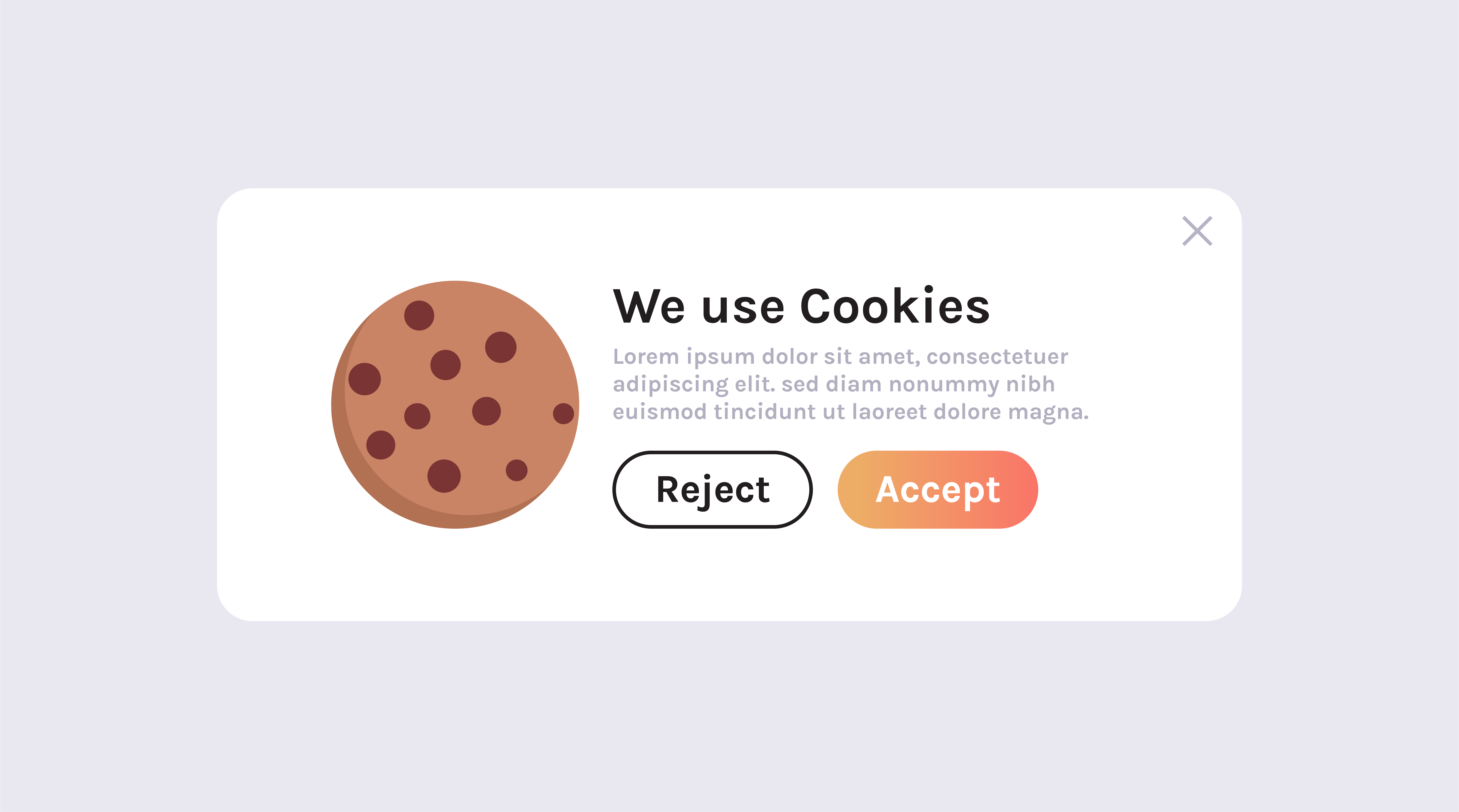
Design the Banner Thoughtfully
First, placement and design matter enormously. Banners that appear as a bottom bar consistently outperform full-screen overlays. In my testing, bottom bars achieved 8–15% higher consent rates because they feel less intrusive. Similarly, using clear and simple language instead of legal jargon improves consent by roughly 10%.
Offer Granular Choices
Second, give visitors real control. A consent banner with “Accept All,” “Reject All,” and “Customize” options actually performs better than one with only “Accept” and a hidden reject option. This might sound counterintuitive. However, visitors who feel respected are more likely to consent. The European Data Protection Board guidelines also require that rejecting must be as easy as accepting.
Explain the Value Exchange
Third, briefly explain why you are asking. A single line like “We use analytics cookies to improve your experience on this site” performs better than a generic “We use cookies” message. People are more willing to consent when they understand the purpose. In my experience, this simple change alone can boost consent rates by 5–12%.
Timing and Frequency
Finally, consider when the banner appears. Showing it immediately on page load catches visitors before they have any relationship with your site. Some teams experiment with delaying the banner by a few seconds or showing it on the second pageview. This is a grey area legally, so proceed with caution. But it is worth discussing with your legal team.
Building an Analytics Strategy Around Partial Data
Here is the uncomfortable truth: even with optimized consent banners and cookieless tools, you will probably never have 100% complete data from a single source. Therefore, the smartest approach is to build your analytics strategy around this reality rather than fighting it.
Use Multiple Data Sources
Combine your cookie-based analytics with server-side data, CRM records, and cookieless tools. Each source fills gaps the others leave. For instance, your cookieless tool tells you total traffic volume. Your cookie-based tool tells you detailed behavior for consenting users. Your CRM tells you what happens after conversion.
Apply Consent Rate Adjustments
If your consent rate is 55%, you know your cookie-based analytics only shows roughly half the picture. Therefore, when reporting to stakeholders, include both the raw numbers and the estimated actual numbers. A simple formula works well: divide your tracked metrics by your consent rate to get an estimate of the true number. For example, if you track 10,000 sessions and your consent rate is 55%, the estimated actual sessions would be approximately 18,200.
Focus on Ratios, Not Absolutes
Absolute numbers are the most affected by consent gaps. However, ratios and percentages remain relatively stable — as long as consent behavior does not vary too much between segments. Consequently, metrics like pages per session, time on site, and relative conversion rates are more reliable than raw session counts.
Monitor Your Consent Rate
Treat your consent rate as a key metric in itself. Track it weekly. If it drops, investigate immediately. A change in consent rate directly affects all your other metrics, which can create false trends in your data. Many consent management platforms provide this data automatically.
Bottom Line
The cookie consent impact on web analytics is massive, and it is not going away. If anything, regulations are tightening and users are becoming more privacy-aware. Ignoring this problem means making decisions based on data that could be missing 30–70% of your visitors.
But there is good news. You have options. Privacy-focused cookieless tools can fill the gap. Better consent banner design can recover some of the lost data. And a multi-source analytics strategy can give you a much more accurate picture of what is really happening on your site.
My recommendation? Start by measuring how much data you are actually losing. Check your consent rate. Compare your analytics numbers against your server logs. Once you see the gap, you will understand why this matters so much. Then, invest in a hybrid approach that combines the depth of traditional analytics with the completeness of cookieless tracking.
Because in analytics, incomplete data is not just an inconvenience. It is a risk to every decision you make based on those numbers.